Περιγραφή
You can write Markdown using a VSCode-like editor.
It provides minimal functionality for editing Markdown.
for example. (add bold, strikethrough, text decorations, adding images, code highlighting, and table formatting, etc…)
YoutTube
Στιγμιότυπα
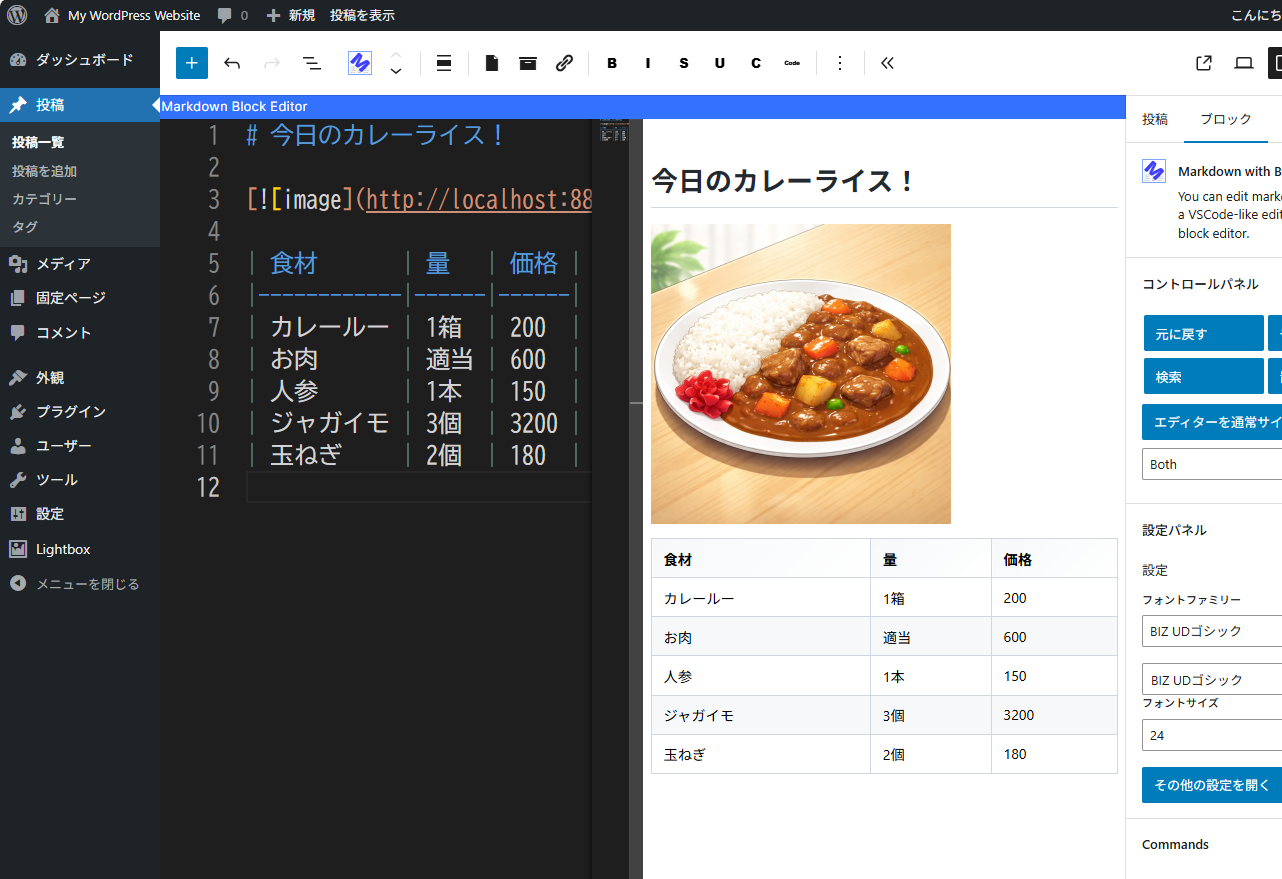
You can edit the markdown while checking the display screen. 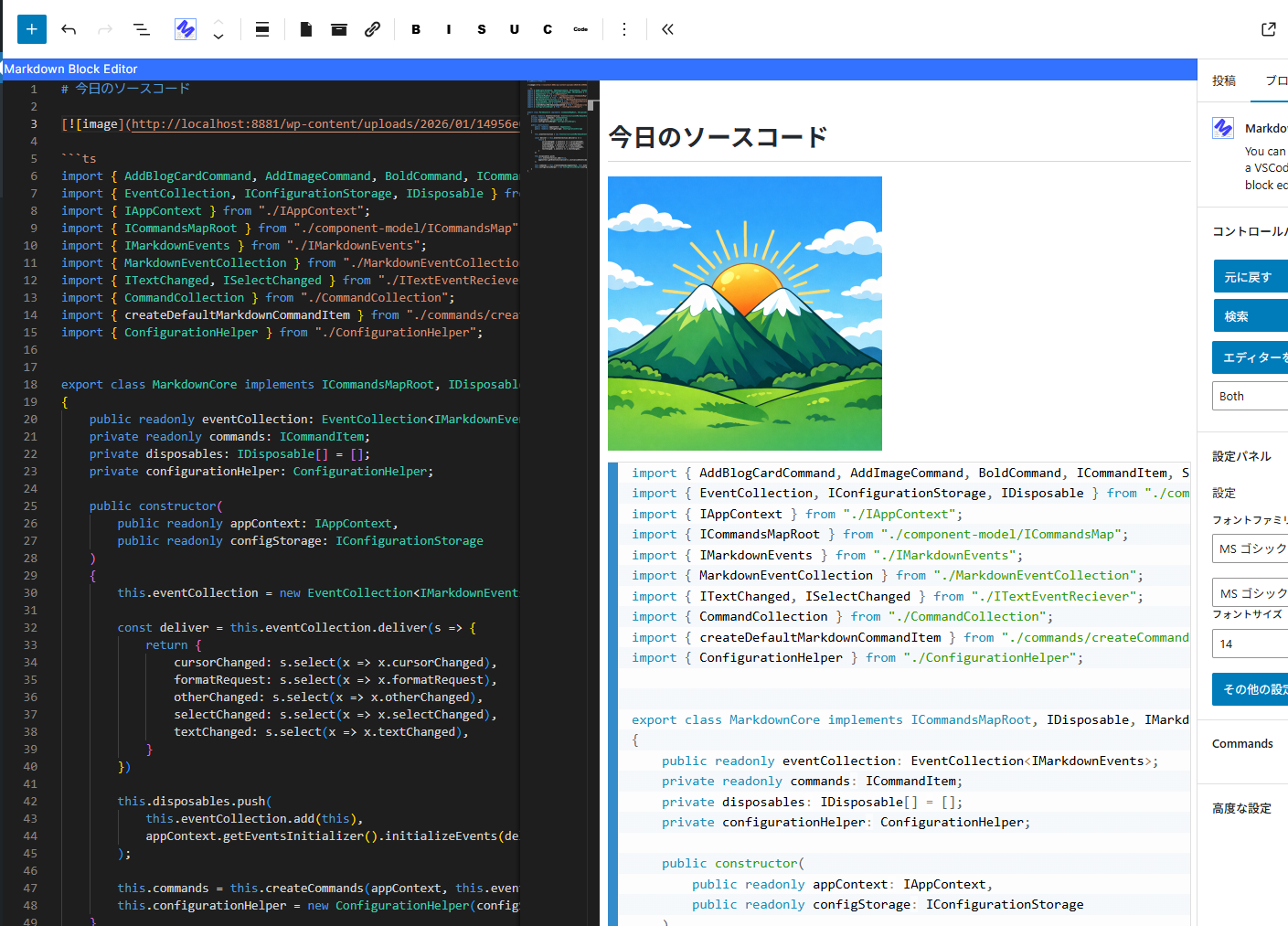
Editing the source code. 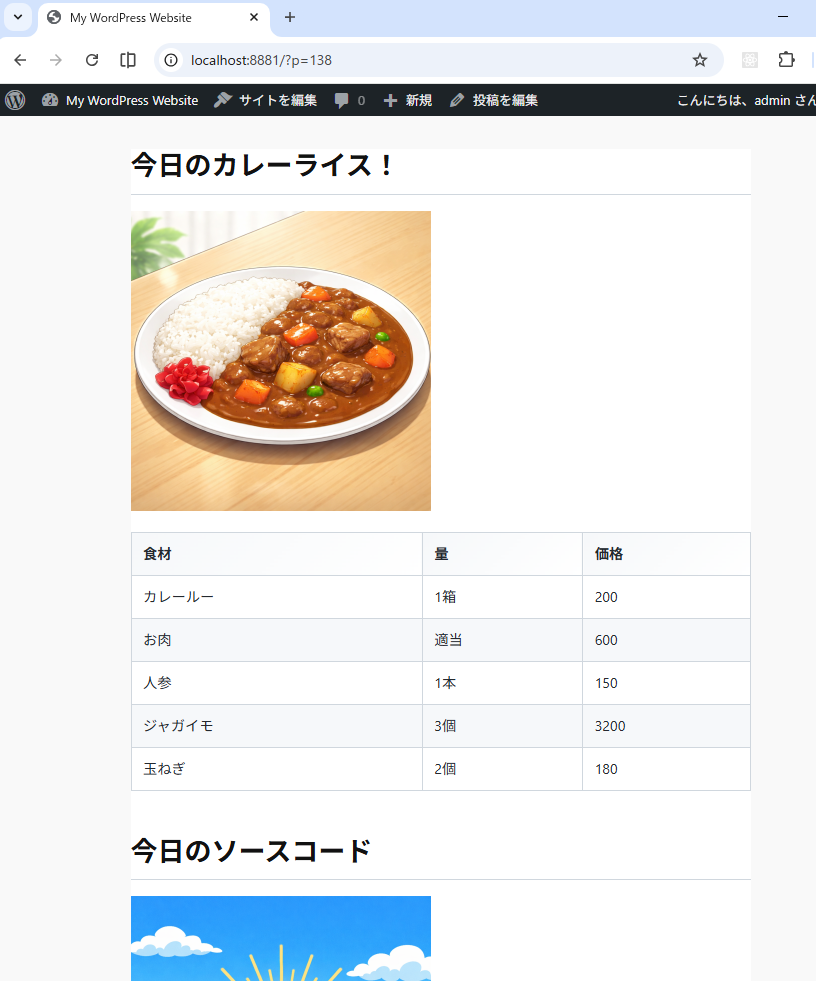
The screen seen from the front.
Μπλοκς
Αυτό το πρόσθετο παρέχει 1 μπλοκ.
- Markdown with Block Editor You can edit markdown in a VSCode-like editor on the block editor.
Εγκατάσταση
- Go to the admin screen
- Open the “Plugins” item and click “Add New Plugin”
- Enter “Markdown” in the search box.
- Find “Markdown with Block Editor” and click “Install”
Συχνές Ερωτήσεις
-
What can this plugin do?
-
You can edit Markdown while viewing a preview in the block editor.
Please see the link below for detailed instructions on how to use it. -
The IME display position is shifted.
-
We are aware of this bug.
The Monaco Editor used internally does not take IFrame into account,
which is why the misalignment occurs.
We cannot address this issue until the Monaco Editor is fixed. -
Can I see the source code?
-
The source code is here.
https://github.com/denki-kurage/markdown-editor/tree/master/packages/markdown-block-editor
This software uses the following packages:
https://github.com/denki-kurage/markdown-editor/blob/master/packages/markdown-block-editor/THIRD-PARTY-NOTICES.txt
https://github.com/denki-kurage/markdown-editor/blob/master/packages/markdown-core/THIRD-PARTY-NOTICES.txt
Κριτικές
Δεν υπάρχουν αξιολογήσεις για αυτό το πρόσθετο.
Συνεισφέροντες & Προγραμματιστές
“Markdown with Block Editor” είναι λογισμικό ανοιχτού κώδικα. Οι παρακάτω έχουν συνεισφέρει στη δημιουργία του.
Συντελεστές
Μεταφράστε το “Markdown with Block Editor” στην γλώσσα σας.
Ενδιαφέρεστε για την ανάπτυξη;
Περιηγηθείτε στον κώδικα, ανατρέξτε στο αποθετήριο SVN ή εγγραφείτε στο αρχείο καταγραφής αλλαγών ανάπτυξης μέσω RSS .
Σύνοψη αλλαγών
0.1.4
- Bug fixes for appContext and toolbar commands.
0.1.2
- Snippets added. You can also add custom snippets using hooks.
0.1.0
- Release